Introduction to Spreadsheets: Using Microsoft Excel
Edition: 1
Copyright: 2025
Pages: 225
Choose Your Format
Choose Your Platform | Help Me Choose


Ebook
$50.00 USD
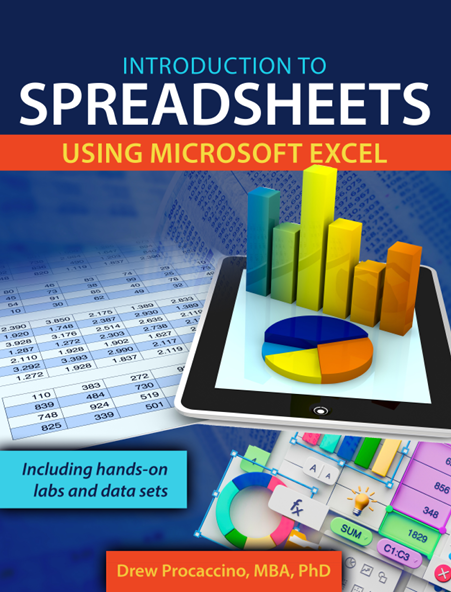
This text is designed for introductory college courses in information systems, focused on the understanding, designing, and creation of spreadsheets using Microsoft Excel. Making use of many examples and screen captures, it begins with the basics of a spreadsheet, inviting students to start to create a simple spreadsheet as they are introduced to important terms, definitions, and concepts. Subsequent chapters include extensive details related to cell references (relative, mixed, and absolute), formulas, functions, charts, and PivotTables.
The second section of the text is a series of hands-on labs with accompanying partially completed workbooks from business, sports, and science. These labs range from introductory to intermediate, with a mix of formulas, functions, charts, and PivotTables.
Chapter 1: Introduction 1
Chapter 2: Formulas & Functions 7
Chapter 3: Formatting 33
Chapter 4: Charting 39
Chapter 5: Printing 65
Chapter 6: Sorting 71
Chapter 7: PivotTables & PivotCharts 75
Hands-On Labs 91
Drew Procaccino has worked with spreadsheets for over 40 years (beginning with Lotus 1-2-3 in 1984). He has been a professional software trainer, where he has led hands-on sessions working with Microsoft Word, Excel, PowerPoint, and Access for various government, non-profit offices, as well as the general public. Dr. Procaccino is an Associate Professor in the Department of Information Systems, Analytics & Supply Chain Management in Rider University’s Norm Brodsky College of Business. He has taught courses in computer information systems, systems analysis & design, and management information systems. He earned a Masters of Business Administration from Rider University and Doctorate in Information Science from Drexel University in Philadelphia, PA.